
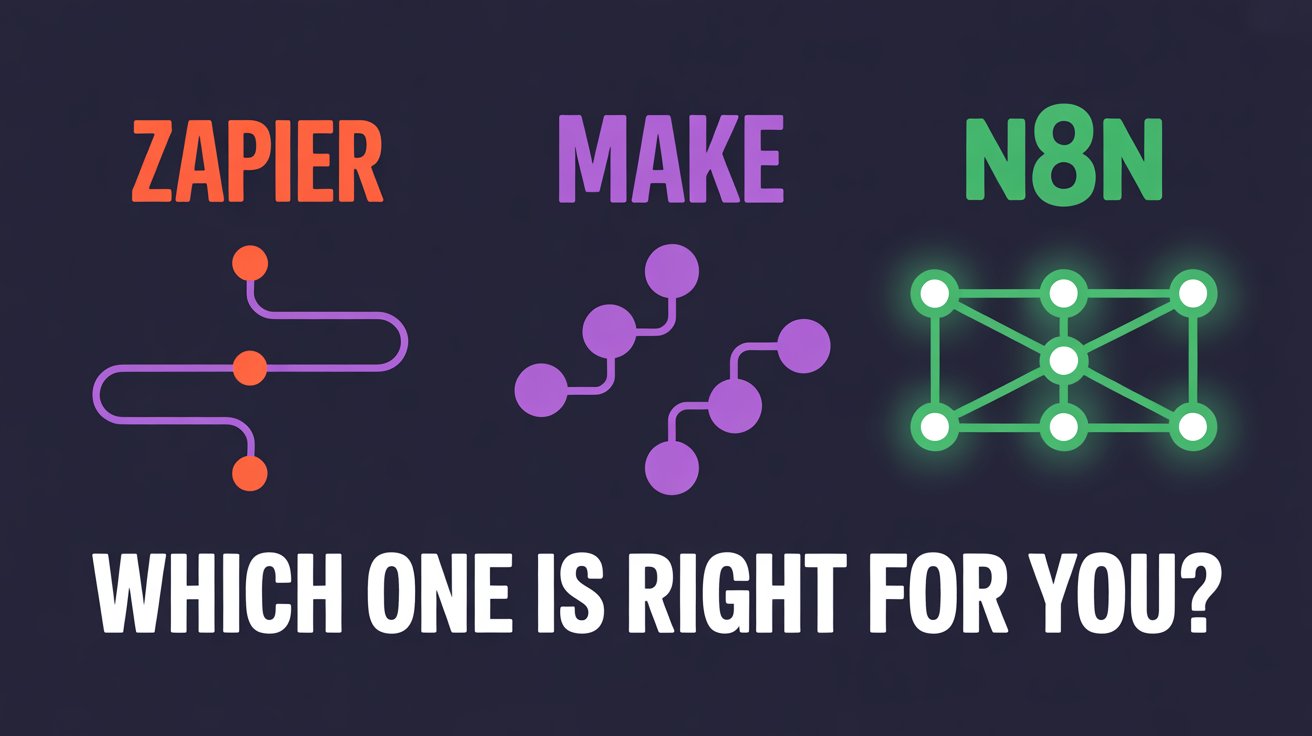
If you're a business owner researching automation tools, you've probably seen dozens of "n8n vs Zapier vs Make" comparison articles. Most of them are written by people who tested each tool for a weekend, ran a few demo workflows, and declared a winner.
This one's different.
I run an automation agency. My team and I build workflows across all three platforms every single week for real businesses,coaches, consultants, service companies, e-commerce brands. We've migrated clients from one tool to another, debugged production workflows at 2 AM, and watched invoices climb as Zapier task counts quietly multiplied.
So here's the honest breakdown. No affiliate links. No "it depends" cop-outs. Just what actually matters when you're choosing the tool that'll run your business processes.
The Quick Overview
| Zapier | Make | n8n | |
|---|---|---|---|
| Best For | Non-technical users | Visual workflows, balanced | Technical users, high-volume |
| Pricing | Per task ($29.99+/mo) | Per operation ($10.59+/mo) | Free self-hosted or $24+/mo cloud |
| Integrations | 7,000+ apps | 1,800+ apps | 400+ nodes + any API |
| Learning Curve | Easy (minutes) | Moderate (hours) | Steep (or hire an expert) |
Pricing: Where the Real Differences Show Up
Zapier
Zapier charges based on the number of tasks,every time a step in your workflow runs, that's a task. A simple two-step workflow that triggers 100 times per day burns 200 tasks. Their free plan gives you 100 tasks/month (practically useless for anything beyond testing), and the Starter plan runs $29.99/month for 750 tasks. Most businesses we work with end up on the Professional plan at $73.50/month or higher.
The catch: costs scale directly with volume. We've seen clients go from $30/month to $300/month simply because their business grew.
Make (formerly Integromat)
Make charges by operations, similar to Zapier's model but typically cheaper. Their free plan offers 1,000 operations/month, and paid plans start at $10.59/month for 10,000 operations. For most small businesses running moderate automation, Make costs about 40–60% less than Zapier for the same workflows.
n8n
n8n is the wildcard. You can self-host it for free,unlimited workflows, unlimited executions, no per-task charges. The only cost is your server (a basic VPS runs $5–20/month). If you don't want to manage infrastructure, their cloud plan starts at $24/month.
For businesses running high-volume automations, n8n's self-hosted option is dramatically cheaper. We've helped clients save $200–500/month by migrating from Zapier to self-hosted n8n.
Ease of Use: Who Is Each Tool Actually Built For?
Zapier: Built for Non-Technical Users
Zapier is the easiest to pick up. Period. The step-by-step workflow builder holds your hand through trigger selection, field mapping, and testing. Their library of 7,000+ pre-built integrations means most apps connect with a few clicks.
The trade-off is flexibility. Zapier's linear workflow model makes complex logic,like conditional branching, loops, or error handling,clunky to implement.
Make: The Visual Middle Ground
Make uses a visual canvas where you drag, drop, and connect modules. It's more powerful than Zapier but requires slightly more learning. The visual approach shines when you need branching logic, filters, or iterators.
n8n: Built for Technical Users (But Worth the Learning Curve)
n8n has the steepest learning curve. It's a developer-friendly tool with a node-based interface that lets you write custom JavaScript, make raw HTTP requests, and build workflows with complex error handling.
For non-technical business owners, n8n is not a DIY tool. This is where working with an automation partner makes sense,you get the power and cost savings of n8n without needing to learn it yourself.
Real-World Scenarios: Which Tool for Which Job?
"I just need my Google Form responses to go into my CRM."
Use Zapier. It's a 5-minute setup, the free tier might even cover it, and there's zero reason to overcomplicate this.
"I want to automate my client onboarding with conditional logic."
Use Make. Client onboarding often involves branching paths. Make's visual router module handles this beautifully.
"I need to sync data between multiple systems and handle high volume."
Use n8n. When you're syncing your CRM with your project management tool with your invoicing system,n8n's self-hosted model means you're not paying per operation.
"I'm running Meta/Google ads and need lead data flowing into my CRM in real time."
Use n8n with webhooks. We build this exact setup for ad agencies and coaches regularly. The volume of ad leads makes Zapier's per-task pricing prohibitive at scale.
What Most Comparison Articles Won't Tell You
You'll Probably Use More Than One
Most growing businesses end up using a combination. We have clients who use Zapier for quick internal automations, Make for client-facing workflows, and n8n for the heavy-lifting data operations. The tools aren't competitors in the way most articles frame them,they're different tools for different jobs.
The Tool Matters Less Than the Architecture
The biggest mistake we see isn't choosing the wrong tool,it's building automations without a clear plan. A well-architected workflow in Zapier will outperform a poorly designed one in n8n every time.
Maintenance Is the Hidden Cost
Every automation tool requires ongoing maintenance. APIs change, apps update, data formats shift. Zapier handles much of this automatically. n8n gives you more control but more responsibility.
The Bottom Line
Choose Zapier if you want the simplest setup, your team isn't technical, and your automation volume is moderate.
Choose Make if you want a balance of power and usability, your workflows involve conditional logic, and you want to keep costs lower than Zapier.
Choose n8n if you're running high-volume automations, need custom integrations, want full control over your data, or have an automation partner who can build and maintain workflows for you.
Not Sure Which Tool Fits Your Business?
At Eluventix, we don't do sales calls. Just tell us what's broken in your current workflow and we'll tell you honestly how we'd fix it,including which tools make sense for your specific situation. No pitch, no pressure.